Find the songs
Search by artist, song, or album. Listen to an available preview, then add the recording you want to the mix.
Use Burn CD to create a virtual mix, arrange your tracks, preview 30-second clips, and share it with someone.
Try a song title, artist, or album.
Move tracks before the virtual burn.
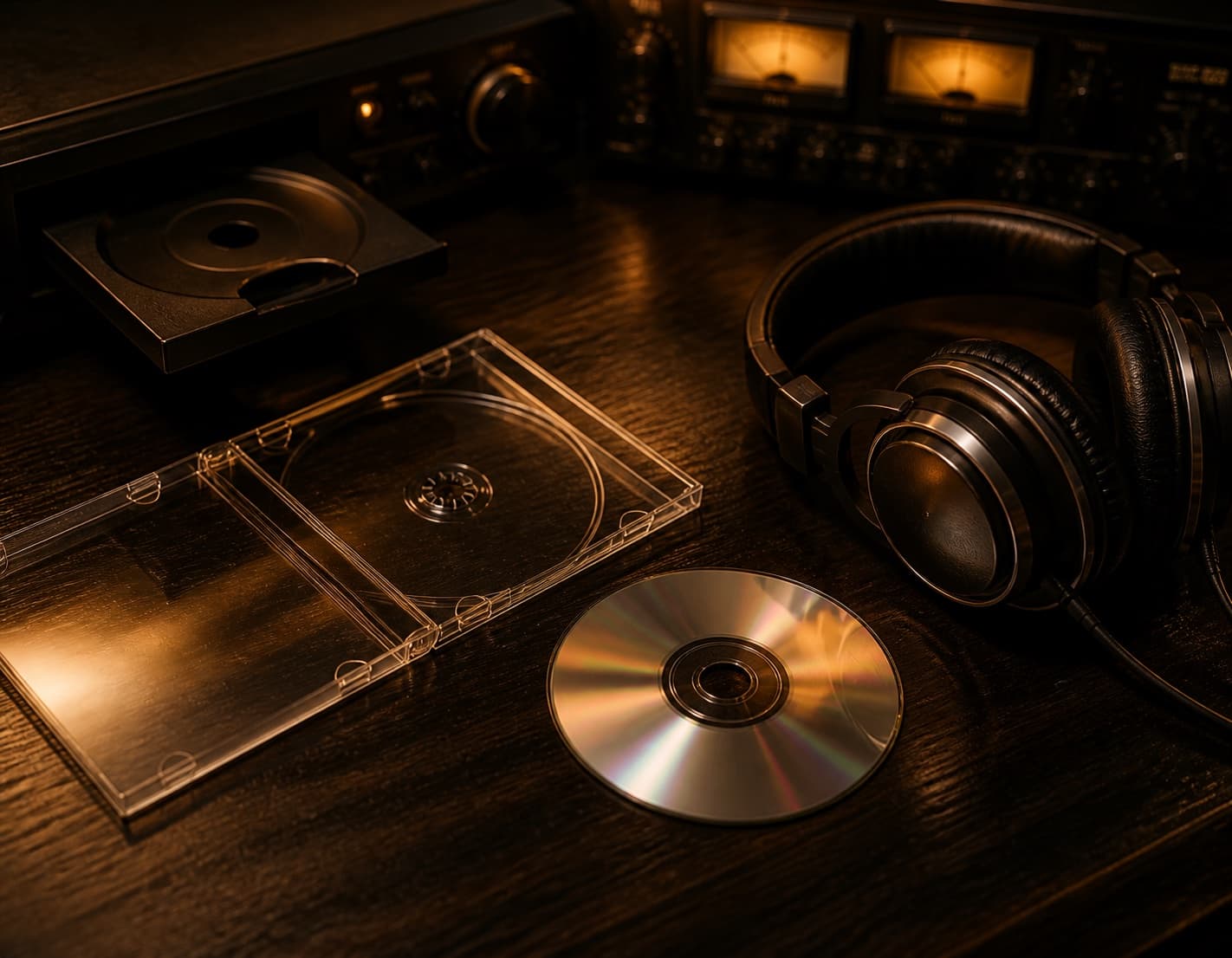
A physical burner writes audio through an optical drive. Burn CD does not replace that hardware. It brings the planning stage into your browser: find songs, shape the track list, check the running time, and preview the order.
Burn CD uses public catalog details and licensed 30-second previews from the iTunes Search API. It never downloads the recordings. The finished mix becomes a compact player you can revisit or send to someone else.
Use Burn CD online to plan a gift, rebuild an old road-trip mix, or settle the sequence before writing music you own with desktop software.
Burn CD keeps the track list and running time visible on one page, so the final order never becomes a guessing exercise.
Search by artist, song, or album. Listen to an available preview, then add the recording you want to the mix.
Move songs up or down, remove a change of mind, and keep the track list inside twelve songs and eighty minutes.
Finish the Burn CD virtual burn, open the nostalgic player, and hear each available 30-second preview in sequence.
Burn CD asks you to choose an opener, decide where the mood should turn, and save one meaningful song for the ending.
Burn CD uses familiar twelve-track and 80-minute boundaries. Your track list reads like a small story instead of an endless queue.
A shared Burn CD address carries the song identifiers, their order, and your optional note. It never sends or stores your audio files.
Export the mix as an M3U preview playlist, then use the order as a guide when rebuilding it with music you own.
Burn CD answers questions about physical discs, licensed previews, shared addresses, exports, and virtual studio limits.
No. Burn CD is a browser-based mix planner and preview player. Writing audio to a recordable disc still requires a compatible optical drive, blank media, and desktop burning software. The page helps you choose and order the songs before you use that equipment.
No. Burn CD online shows catalog information and plays only the licensed 30-second previews made available by the iTunes Search API. It does not fetch, store, or distribute complete recordings. Preview availability can also differ by song, country, and catalog rights.
The limit mirrors the familiar capacity of a standard audio CD-R. Keeping the mix under eighty minutes makes the planning experience feel authentic and gives the sequence a useful boundary, even though the virtual player itself does not write a physical disc.
The address contains the selected catalog identifiers, the track order, and your optional note. When someone opens it, Burn CD online looks up those songs again and rebuilds the same track list. No microphone recording, local music file, or full song is embedded.
Some catalog entries do not include a preview in every region. You can still keep the song in the track list for planning, but playback will skip it. Try another release of the same recording if you want an available 30-second sample.